
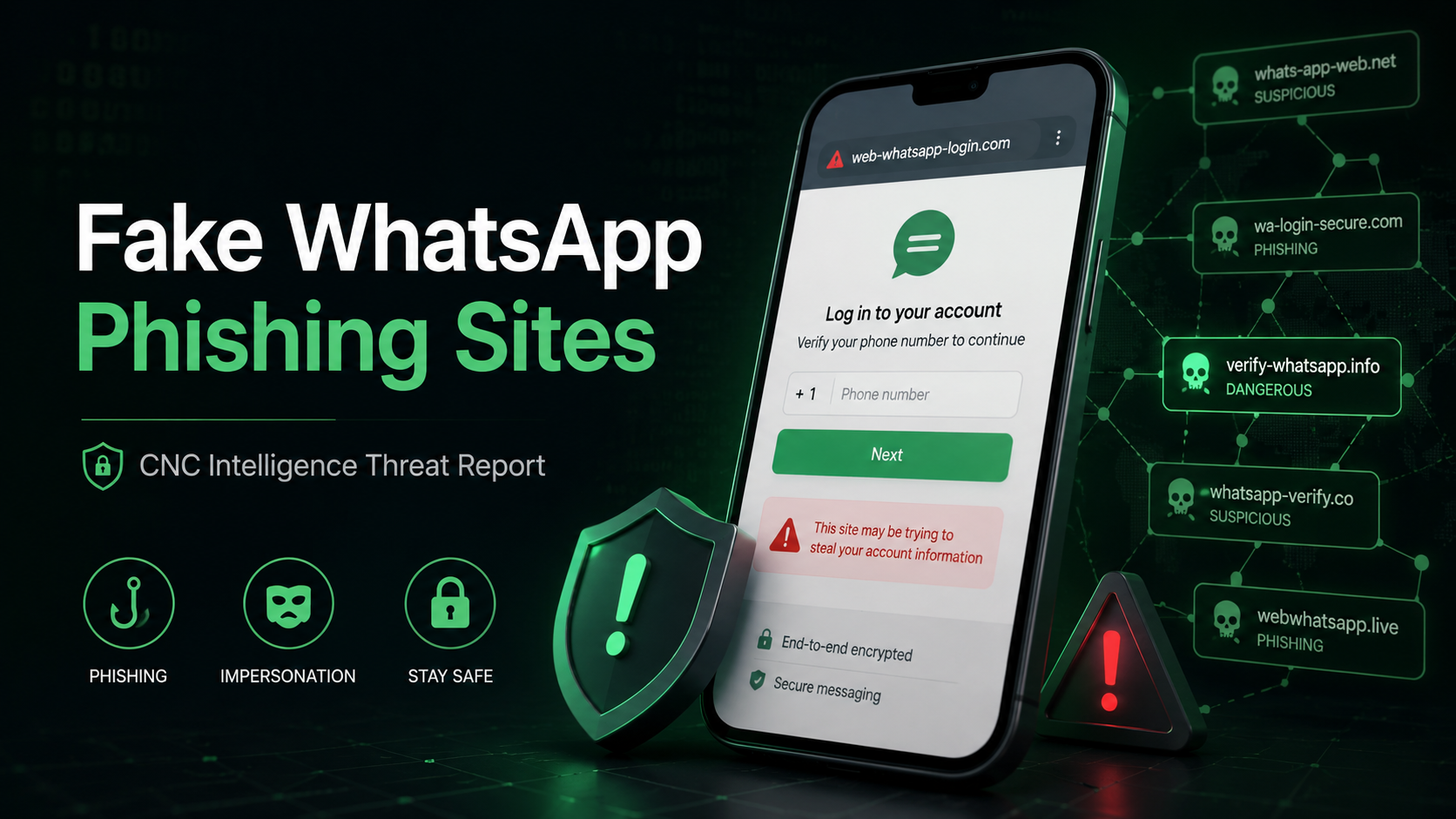
CNC Intelligence threat report examining fake WhatsApp phishing domains identified over a 90-day period.
CNC Intelligence Threat Report
Review period: December 10, 2025 – March 10, 2026
Over a 90-day period, CNC Intelligence reviewed newly registered domains that appeared to impersonate WhatsApp or take advantage of common misspellings of the WhatsApp name.
The volume stood out immediately.
We identified 2,759 newly registered domains that matched the WhatsApp brand name or one of 24 WhatsApp-related typosquat terms. After screening those domains across several independent security sources, 1,079 were classified as confirmed phishing and another 137 were classified as likely phishing.
That brings the total to 1,216 confirmed or likely phishing domains in just 90 days.
Put another way, during the period reviewed, we saw an average of 13.5 new malicious WhatsApp-related domains per day.
That does not mean every domain using the word “WhatsApp” is malicious. It does mean that criminals continue to register WhatsApp-themed domains at scale, and many of those domains are being flagged by security vendors, blocklists, malware-filtering DNS services, or other phishing indicators.
The Main Numbers
| Category | Count | Share of Total |
|---|---|---|
| Newly registered WhatsApp-impersonation domains reviewed | 2,759 | 100% |
| Confirmed phishing domains | 1,079 | 39% |
| Likely phishing domains | 137 | 5% |
| Confirmed + likely phishing domains | 1,216 | 44% |
Across the 90-day review period, the malicious domain rate averaged:
| Metric | Average |
|---|---|
| New malicious WhatsApp-related domains per day | 13.5 |
| New malicious WhatsApp-related domains per week | 94.5 |
Why We Looked at WhatsApp Domains
WhatsApp is a natural target for phishing.
People use it to talk to family, friends, customers, coworkers, banks, service providers, and sometimes even law enforcement or legal professionals. In many countries, WhatsApp is not just a messaging app. It is part of daily life and business communication.
That trust is exactly what criminals try to exploit.
A fake WhatsApp site may be used to steal verification codes, trick users into scanning a QR code, distribute an unauthorized app, imitate WhatsApp Web, or pose as WhatsApp or Meta support. Once an account is compromised, the attacker can use it to contact the victim’s real contacts. That makes the next stage of the scam more convincing.
This is why WhatsApp phishing is different from a random fake login page. The attacker is not only after one account. They may be trying to gain access to the victim’s trusted network.
How We Collected the Domains
CNC Intelligence reviewed newly registered domains worldwide from December 10, 2025, through March 10, 2026.
Using the domains-monitor.com API, we downloaded newly registered domains each day and filtered them for:
- the exact term “whatsapp”; and
- 24 curated typosquat terms, including examples such as whatsap, whtsapp, whatapp, and watsapp.
This produced 2,759 unique domains for review.
The dataset was maintained in a defanged format for safety.
How We Screened the Domains
We did not rely on one source.
Each domain was checked against several independent security and threat intelligence sources, including:
- VirusTotal, which aggregates detections from more than 70 security engines;
- Google Safe Browsing;
- Spamhaus, including phishing-domain listings;
- Cloudflare malware-blocking DNS, by comparing ordinary DNS resolution through
1.1.1.1with Cloudflare’s filtered1.1.1.2resolver; and - live-domain page-title checks for Cloudflare’s “suspected phishing site” warning page.
This multi-source approach matters. A domain may appear clean in one tool and still be flagged somewhere else. Some phishing domains are active for only a short time. Others are registered before they are fully weaponized. No single provider gives a complete picture.
How We Classified the Domains
We used two classifications: confirmed phishing and likely phishing.
A domain was classified as confirmed phishing if it met at least one of the following conditions:
- VirusTotal showed three or more malicious detections;
- Google Safe Browsing flagged it;
- Spamhaus listed it as a phishing domain;
- Cloudflare’s malware-blocking DNS blocked it; or
- the domain displayed Cloudflare’s “suspected phishing site” warning page.
A domain was classified as likely phishing if it was not confirmed phishing but showed three or more suspicious signals, such as:
- suspicious or commonly abused top-level domain;
- hyphens in the domain name;
- numbers in the domain name;
- phishing-related keywords;
- automated scanning or access-blocking behavior;
- Cloudflare-related threat indicators; or
- one or two VirusTotal malicious detections.
This distinction is important. Some domains were already confirmed by outside security sources. Others had enough suspicious characteristics to justify being treated as likely phishing, even if they had not yet crossed the confirmed threshold.
What We Found
Most malicious domains used the real WhatsApp name
One of the more interesting findings was that most malicious domains did not rely on subtle misspellings.
They used the actual word “whatsapp.”
| Matched Term | Domains | Share of Malicious Domains |
|---|---|---|
| 853 | 70% | |
| whatsap | 237 | 20% |
| whtsapp | 37 | 3% |
| whatspp | 34 | 3% |
| whatapp | 16 | 1% |
This makes sense from a victim’s point of view. A domain with the full WhatsApp name may look more familiar, especially on a phone, where users often click quickly and may not inspect the full URL.
Typosquatting still mattered, but direct brand impersonation was the dominant pattern.
Typosquats were still common
CNC Intelligence identified 363 malicious domains using WhatsApp-related typosquats. That was 30% of the malicious dataset.
These included missing letters, altered spellings, shortened versions, and other variations of the WhatsApp name.
Typosquats are effective because they do not need to fool everyone. They only need to fool enough people who are distracted, rushed, or viewing the link on a small screen.
Hyphens showed up often
Among the 1,216 confirmed or likely malicious domains, 558 used hyphens.
That is 46% of the malicious dataset.
Hyphens are common in phishing domains because they let attackers combine a trusted brand with words that sound official, urgent, or useful. For example, phishing infrastructure may use terms related to web login, account verification, security, support, business tools, downloads, or regional services.
A hyphen alone does not prove a domain is malicious. But in this dataset, hyphens appeared frequently among domains that were already confirmed or likely phishing.
Suspicious TLDs were also common
We found 391 malicious domains using suspicious or commonly abused top-level domains. That represented 32% of the malicious dataset.
Examples included TLDs such as .xyz, .top, and .click.
This is consistent with how phishing infrastructure often works. Attackers need domains that are cheap, fast to register, easy to replace, and disposable once reported or blocked.
Several independent sources flagged the domains
The confirmed phishing findings came from multiple sources.
| Detection Source | Domains Flagged |
|---|---|
| VirusTotal, 3+ malicious engines | 905 |
| Google Safe Browsing | 236 |
| Spamhaus phishing-domain listing | 225 |
| Cloudflare phishing page/interstitial | 63 |
| Cloudflare malware-blocking DNS | 58 |
These numbers should not be added together because the same domain may be flagged by more than one source.
Still, the spread across different providers is important. It shows that the issue was not limited to one detection method or one vendor’s view of the data.
Common Fake WhatsApp Domain Patterns
The dataset included domains that appeared to reference or imitate:
- WhatsApp Web;
- WhatsApp Business;
- account verification;
- login or authentication pages;
- OTP or one-time password workflows;
- Meta-related terminology;
- support or security warnings;
- downloads or unofficial apps;
- backups, exports, or message tools;
- country or language-specific services; and
- misspelled versions of the WhatsApp brand.
These patterns are familiar because they match the messages victims often receive: “verify your account,” “log in to WhatsApp Web,” “your account will be blocked,” “download this update,” or “scan this QR code.”
The domain is usually only one piece of the phishing campaign. The link may arrive through WhatsApp, SMS, email, social media, paid ads, or a message from an already compromised account.
Why This Matters for Users
A fake WhatsApp phishing site may try to:
- steal a WhatsApp verification code;
- capture account credentials;
- convince the user to scan a malicious QR code;
- distribute an unauthorized WhatsApp-related app;
- impersonate WhatsApp Web, WhatsApp Business, Meta, or support staff;
- redirect the victim into a broader scam; or
- help criminals take over an account and target the victim’s contacts.
The last point is especially important.
When criminals take over a WhatsApp account, they inherit trust. They can message the victim’s contacts from a real account, in a real conversation history, using a name and photo the next victim recognizes.
That is why these phishing campaigns can spread quickly.
What WhatsApp Users Should Do
CNC Intelligence recommends that users take a few practical steps:
- Use WhatsApp only through the official app stores or the official WhatsApp website.
- Be careful with links claiming to offer WhatsApp Web login, account verification, support, security checks, or business tools.
- Do not click links received by text message (SMS), email, WhatsApp, or social media. If a message claims to be from WhatsApp, go directly to the official app or website instead.
- Never enter a WhatsApp verification code into a website reached through an unsolicited link.
- Do not share one-time passwords, even with someone who appears to be a friend, relative, customer, or coworker.
- Review URLs carefully, especially on mobile devices.
- Treat urgent messages about account closure, payment, verification, or security warnings as suspicious.
- Enable two-step verification in WhatsApp.
- Report suspicious messages and phishing pages to the relevant platform, registrar, hosting provider, or security vendor.
What Businesses Should Do
Businesses that use WhatsApp for customer communication, sales, internal coordination, investigations, or public-facing support should pay attention to brand impersonation.
CNC Intelligence recommends that organizations:
- monitor newly registered domains containing their brand names and common typosquats;
- keep a clear public list of official websites and communication channels;
- warn customers and employees not to trust unofficial WhatsApp-related links;
- train staff to recognize mobile-first phishing attempts;
- report fraudulent domains to registrars, hosting providers, and threat intelligence vendors;
- consider takedown options when domains infringe trademarks or are used for fraud; and
- use more than one threat intelligence source when reviewing suspicious domains.
Final Thoughts
This 90-day review found 2,759 newly registered WhatsApp-impersonation domains. Of those, 1,216 were classified as confirmed or likely phishing.
That is a significant number for a single brand over a short period of time.
The findings show that fake WhatsApp phishing sites remain a persistent threat. Criminals continue to use direct brand impersonation, typosquats, suspicious TLDs, hyphens, phishing keywords, and disposable infrastructure to target users.
For users, the safest approach is simple: do not trust WhatsApp-related links just because they contain the word “WhatsApp.” Use official sources, protect verification codes, and be cautious with urgent messages.
For businesses, the lesson is broader. Brand impersonation monitoring is no longer optional. Criminals are registering lookalike domains constantly, and many of those domains are built to exploit trust before victims have time to think.
CNC Intelligence may provide the defanged dataset of the 1,216 confirmed or likely phishing domains upon request to qualified members of academia, law enforcement, and other appropriate investigative or security professionals.